Original

Automate design variants from your template. Import from Canva, scale creatives for every platform.






Join the waitlist - free during beta
Design
Build your creative with layers, images, Canva imports, and canvas settings.
Data
Map spreadsheet data to text and image slots, then export every row.
Swap the hero shot. Keep your layout, copy, and brand.
Original
Version 02

Version 03

Import from - keep your layout, adapt for every platform.
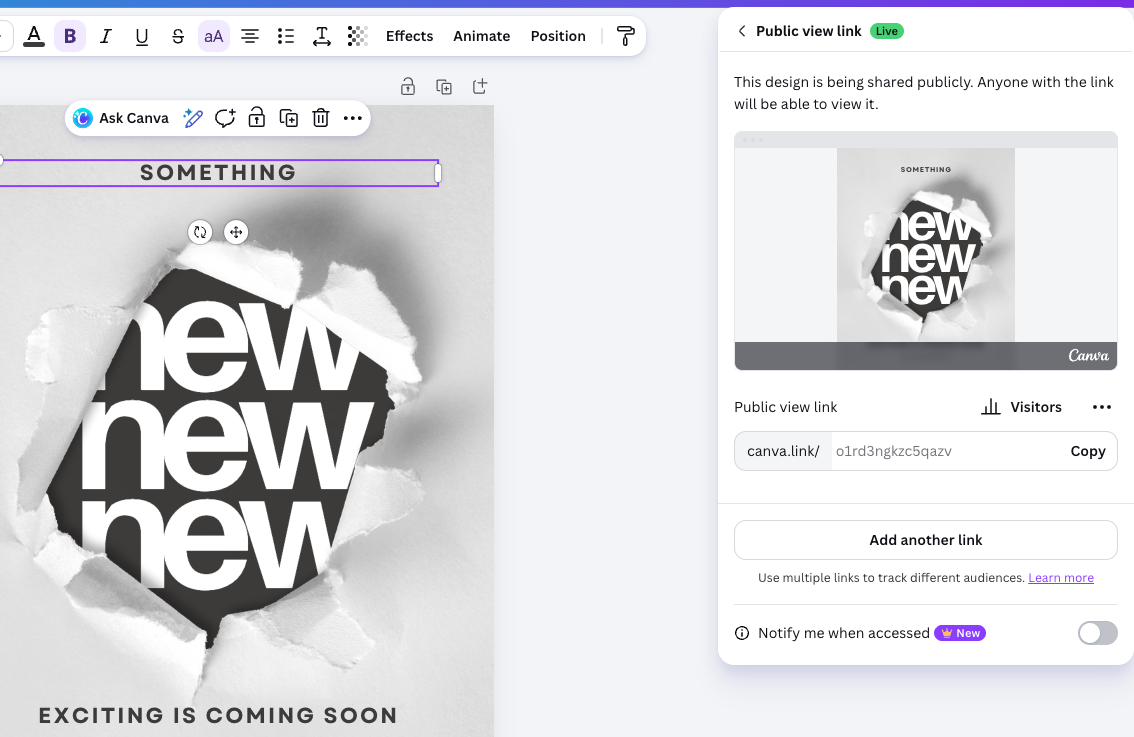
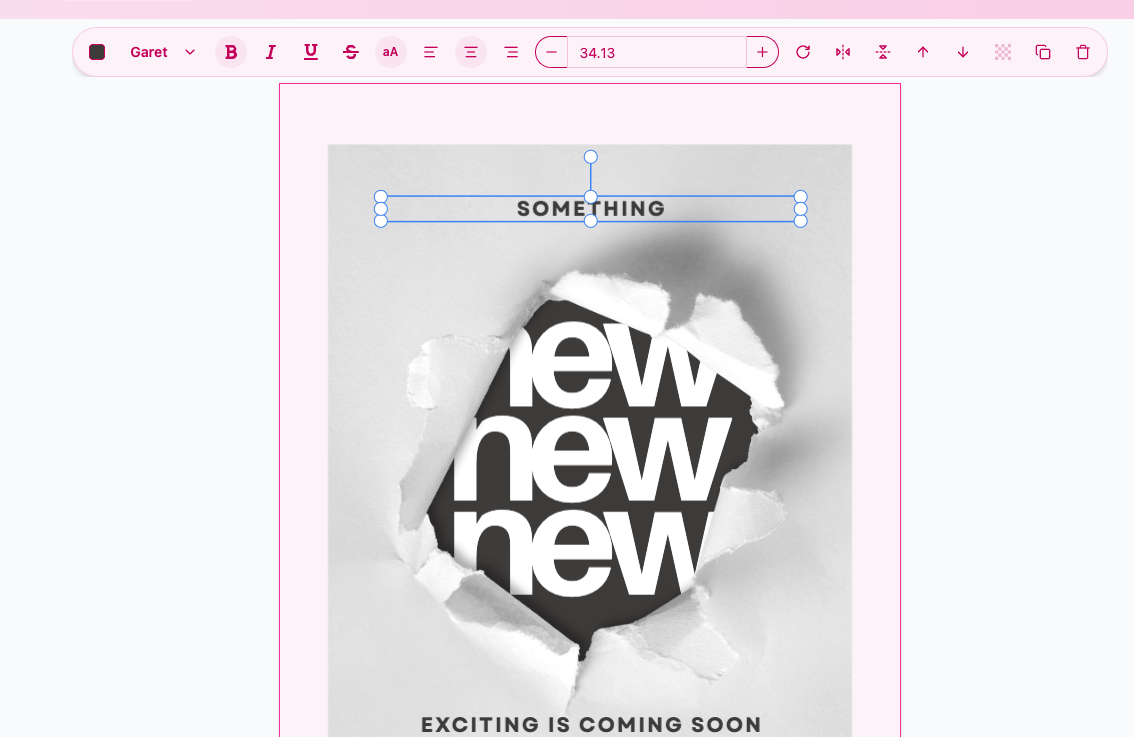
Import or build a design, map spreadsheet columns to text and image slots, then export every selected row without rebuilding each version by hand.
You can explore the design demo on the homepage without signing in. Join the waitlist to request early access.
Choose variable text and image slots, map spreadsheet columns, select rows, and pick export formats.
Export designs as PNG, JPG, or SVG from the editor or the landing demo.
Early access
Get in while Bulkizy is opening spots for teams who want to turn one design into every creative they need.
Early Access
Before the exhibition opens to the public.
Email—that's all. Unsubscribe with one click.